Sidebar
The sidebar is a column to the side of a page which acts as a "container" for a number of objects. Depending upon the design selected for a site, the sidebar is either on the left or right:
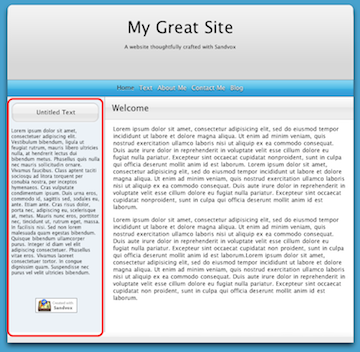
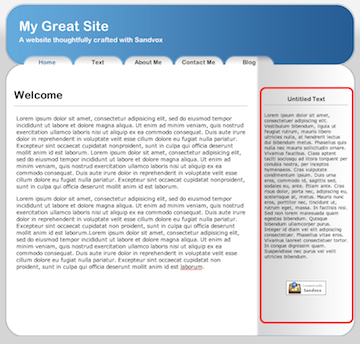
The sidebar is typically used to display information supplemental to the main content of the page. Often, the same objects appear in all pages of your site, giving it continuity.
For example, you might use the sidebar to provide a simple Contact Form on every page, or a List of Links to your favorite sites. For information on adding and removing objects from the sidebar, please see the "object" article.
To set whether or not the sidebar appears on a page:
- Select the page in the Site Navigator.
- Open the Page Inspector, to the Appearance tab.
- Check or uncheck the "Sidebar" box.
The pages of a site are arranged in a hierarchy, with collection pages "containing" other pages. You can set whether the sidebar of a page should include those objects that appear in its parent collection.
To set whether or not the sidebar should include objects from its parent page:
- Select the page in Site Navigator.
- Open the Page Inspector, to the Appearance Tab.
- Check or uncheck the box that contains the specific object.
Keywords: sidebar, side, bar, box, sidebox, site, outline, navigator, menu, list, left, right, page, object, objects, parent, collection, child, collections, contain, containing
