HTML Validation
Sandvox allows you to validate the code of a Raw HTML object. This is mainly useful for pages which contain your own custom HTML content to check everything is in order. The validation service is provided by w3.org.
Also as you type, there is a quick check going on continuously, just checking for parsing issues.
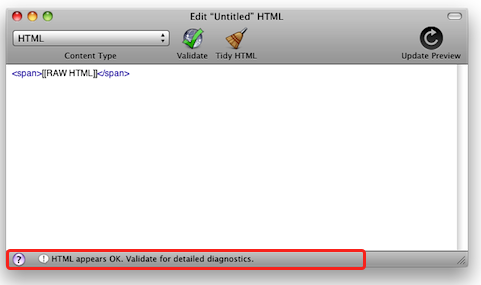
To validate a Raw HTML object:
- Ensure an Internet connection is available.
- Select the object
- Open the HTML Editor
- Click the "Validate" toolbar item
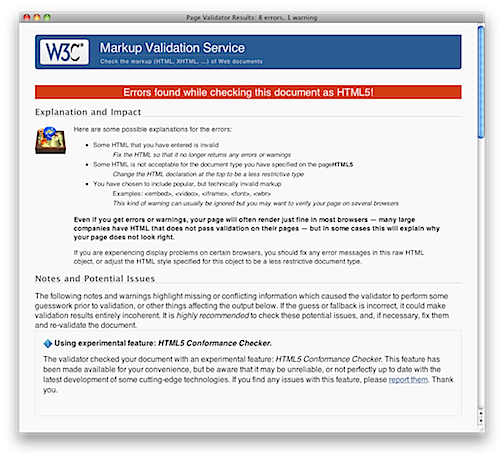
If the object fails validation, Sandvox will display the results in a new window. It is then up to you to correct the issues causing the validation to fail.
Please note that it is possible for an HTML page to fail validation, yet be still perfectly usable for all or most browsers. Validation is an important tool, but in practice, it is not critical that your website contain completely valid HTML.
Keywords: validate, validating, validation, html, raw, code, pro, error, errors, warning, warnings, w3c
